
MULTIMEDIA
Smart screen management and control
Digital signage is the professional term for the system that decides what is shown on which screen, and when. We supply the players, the software, the installation and the training. You control the content.
We work mainly with NovaStar Taurus players and ViPlex software, including the ViPlex Handy app for control from your phone. For projects that require it, we also supply BrightSign players.
Get a quote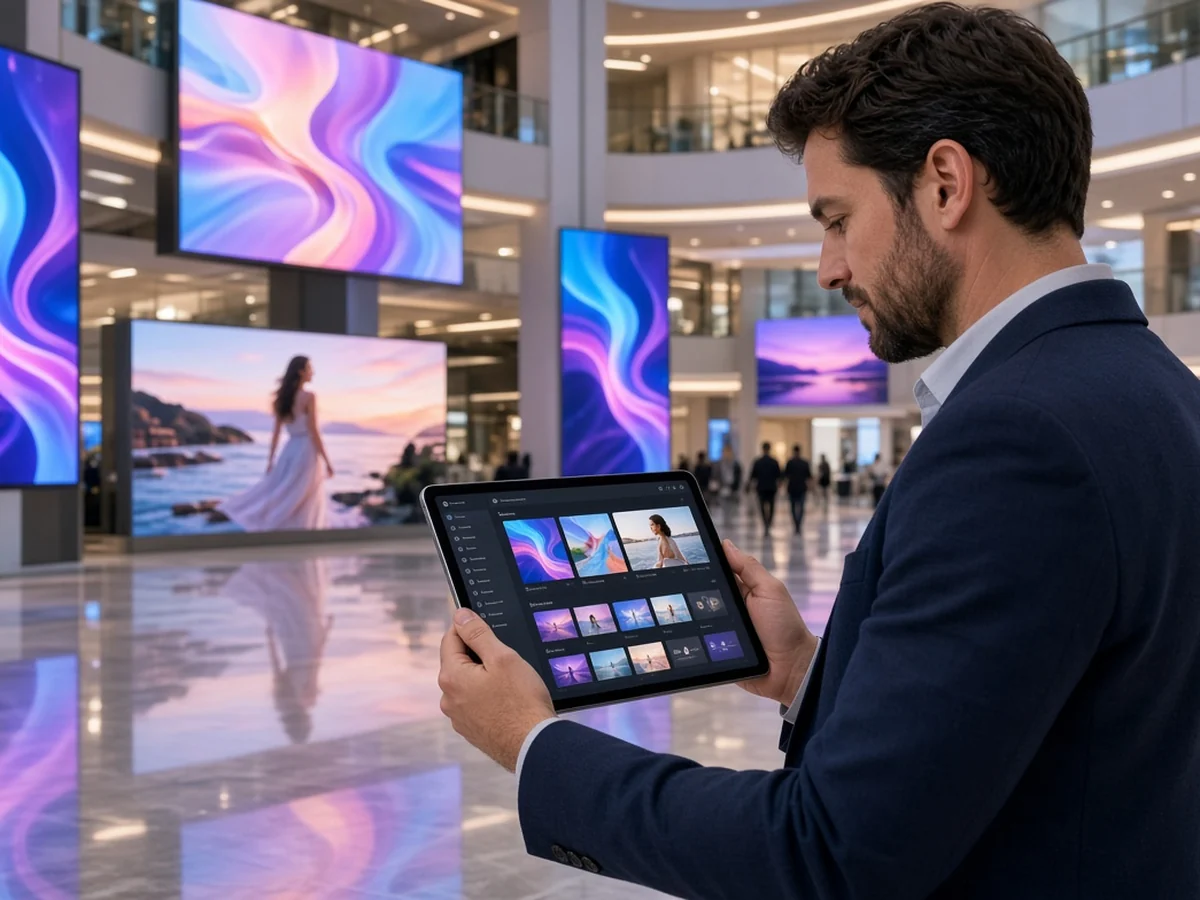
- Control from your phone or computer
- Playback scheduled by hours and days
- Content updates at the click of a button
- Keeps playing even without internet
- Player, installation, training and support
- Management license included in the installation price
How it works
- Step 1
Your content
Videos, promotions and images: upload once and play them on every screen.
- Videos
- Promotions
- Images
- Step 2
The management system
NovaStar's ViPlex software: set what plays on which screen and when, from the office computer.
- ViPlex
- Scheduling
- NovaStar
- Step 3
Every screen updates
Dozens of screens in different branches get the content at the same time, or unique content for each location.
- All branches
- Simultaneous
- From anywhere
One system, every screen, without physically touching any of them even once. For projects that require it, we also supply BrightSign players.
VIPLEX HANDY
Control from your phone, without going back to the office
NovaStar's ViPlex has a phone app, ViPlex Handy. It connects to the players on the same network and handles what would normally need a computer.
- Swap content or a promotion while the screen is running
- See what each screen is showing right now, and confirm playback is running
- Adjust brightness and volume, and turn the screen on or off
What you get
- Player
- A NovaStar (Taurus) player, or BrightSign where required
- Software
- ViPlex on the computer for management and publishing, ViPlex Handy on the phone
- Installation
- Cabling, connection to the screen network and initial setup
- Training
- Training on the system with your own content
- Support
- Answers to operating questions after installation
In most projects the management license is included in the installation price. Each project is priced by what it requires.
Tell us about your project
A quote within 24 hours. We are glad to help.
Frequently asked questions
Do I need technical knowledge to run the system?
No. ViPlex is built around drag and click: choose a file, mark which screen and which schedule, and publish. When the installation is done, we train you on the system itself, with your own files.
Can we connect screens we already have?
In most cases, yes. NovaStar players connect to any screen with an HDMI input, including screens already installed at your site. During the site survey we check which ones you can keep using and which are worth replacing.
How many screens can one system manage?
From a single screen to dozens of screens in different branches. Remote management of a branch network is a separately planned project. We would be glad to talk it through with you on a call.
What happens if the internet goes down?
The player keeps showing the last content downloaded to it, so the screen does not go black. When the connection comes back, it updates on its own.
Do you also produce the videos and content?
No. We supply the system, the installation and the support. The content comes from whoever produces or supplies it for you, and we show you how to upload it correctly.
What is included in the price?
The player, installation and cabling, initial setup and training. In most projects the management license is also included in the installation price. Each project is priced by what it requires, so we give a quote after an assessment.
Tell us about your project
A quote within 24 hours